Everything you need to run your studio
Powerful features for studio management

Online booking calendar
Let clients book studio sessions 24/7 with real-time availability. Your calendar syncs instantly, preventing double bookings and keeping your schedule organized.

Instant payment processing
Accept deposits and full payments online with secure credit card processing. Get paid faster and reduce no-shows with automated payment collection.

Smart reminders
Automated email and SMS reminders keep clients informed about upcoming sessions. Reduce no-shows and last-minute cancellations with timely notifications.

Client management
Keep all client information, booking history, and preferences in one place. Build stronger relationships with detailed profiles and communication history.

Custom booking forms
Collect exactly the information you need with customizable intake forms. Gather project details, wardrobe requirements, and special requests before each session.
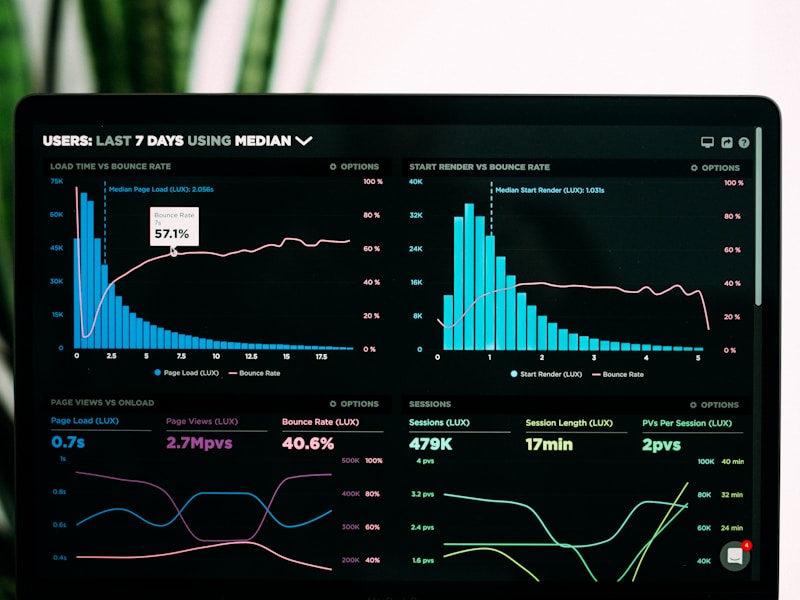
Analytics and reporting
Track your studio's performance with detailed reports on bookings, revenue, and client trends. Make data-driven decisions to grow your business.

Trusted by creative professionals
StudioBook transformed how we manage our fashion studio. Online payments eliminated the awkward money conversations, and automated reminders cut our no-shows by 80%. It's like having a full-time receptionist without the overhead.
Frequently asked questions
How does online booking work?
Clients visit your custom booking page, select an available time slot from your calendar, and complete their reservation. You receive instant notifications and the booking appears in your dashboard. Clients can book sessions for fashion shoots, wardrobe styling, or any studio service you offer.
What payment methods do you support?
StudioBook accepts all major credit and debit cards through secure payment processing. You can require full payment upfront, collect deposits, or offer flexible payment terms. All transactions are encrypted and PCI-compliant for maximum security.
Can I customize reminder messages?
Yes, you have full control over reminder timing and content. Set up automated reminders for 24 hours, 48 hours, or one week before sessions. Customize the message text to include session details, directions to your studio, or preparation instructions for clients.
Is there a mobile app?
StudioBook works seamlessly on any device through your web browser. Both you and your clients can manage bookings, view calendars, and process payments from desktop, tablet, or mobile without downloading anything.
How do cancellations and rescheduling work?
You set your own cancellation policy and rescheduling rules. Clients can request changes through their booking portal, and you can approve or decline. Automated refund processing handles cancellations according to your policy, and the calendar updates in real-time.
Can I manage multiple studio spaces?
Absolutely. StudioBook supports multiple rooms, equipment sets, or service types within a single account. Each space has its own calendar and availability settings, making it easy to manage complex studio operations.